Our Newest Arrivals
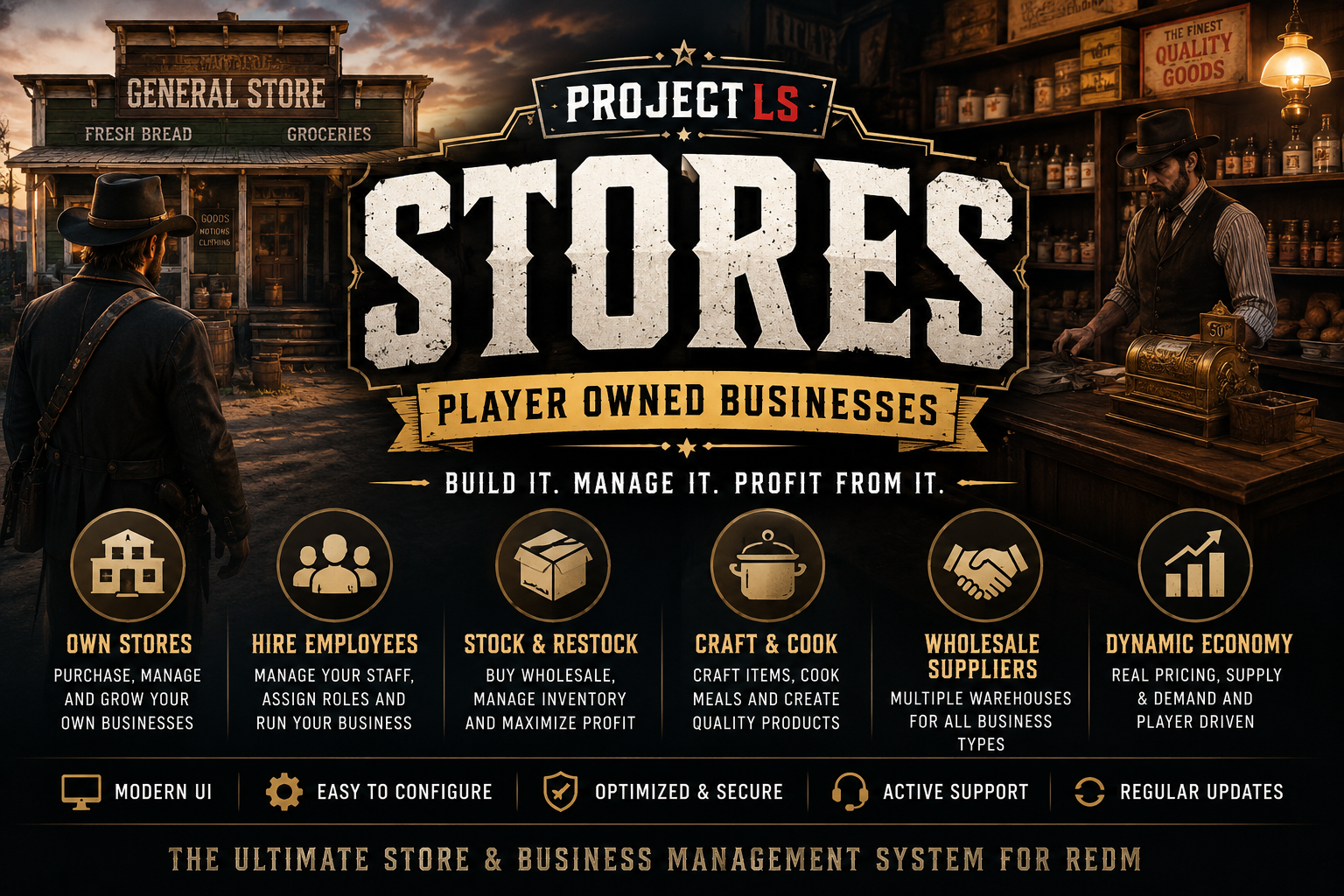
🏪 ProjectLS Stores With Crafting And Decay System
Transform Every Store Into a Living Business
Bring your RedM economy to life with ProjectLS Stores, a complete player-owned business system built for immersive roleplay. Players can purchase stores, hire employees, manage stock, craft products, restock through wholesalers, and grow their businesses into thriving enterprises.
Designed for VORP and built with performance and realism in mind, ProjectLS Stores turns simple NPC shops into a fully interactive economy.
⭐ Features
🏪 Player-Owned Businesses
- Purchase stores across the map
- Manage your own business
- Deposit and withdraw business funds
- View business statistics
- Transfer ownership
- Sell your business back
👥 Employee Management
- Hire and fire employees
- Promote and demote staff
- Employee permissions
- Clock in / Clock out system
- Business access restrictions
- Private staff-only features
📦 Dynamic Stock System
- Real stock levels
- Manual restocking
- Player-driven economy
- Business inventory management
- County buyback support
- Adjustable pricing
🚚 Wholesale Suppliers
Purchase stock at discounted wholesale prices.
Includes dedicated warehouses for:
- General Stores
- Saloons
- Butchers
- Gun Stores
- Fishing Stores
- Trappers
- Custom businesses
🍳 Advanced Crafting System
- Employee-only crafting stations
- Unlimited configurable recipes
- Multi-stage cooking
- Ingredient requirements
- Crafting progression
- Experience & level system
- Quality-based crafting
⭐ Food Quality System
Crafted food quality depends on:
- Fresh ingredients
- Proper seasoning
- Cooking technique
- Clean utensils
- Ingredient preparation
- Recipe accuracy
Produce high-quality meals—or poorly prepared food that reflects the chef's skill.
🍺 Business Types Included
- General Stores
- Saloons
- Gun Stores
- Butchers
- Fishing Stores
- Trappers
- Ingredient Suppliers
- Easily expandable for custom businesses
💰 Business Economy
- Dynamic pricing
- Restocking costs
- Employee wages
- Business accounts
- Wholesale purchasing
- County buyback
- Configurable profit margins
🎨 Modern ProjectLS UI
- Beautiful custom interface
- Mouse navigation
- Keyboard shortcuts
- Responsive layouts
- Fast performance
- Clean animations
⚙️ Highly Configurable
Almost every aspect can be configured including:
- Store locations
- NPCs
- Blips
- Prices
- Categories
- Recipes
- Crafting stations
- Employees
- Warehouses
- Business rules
- Opening hours
- Permissions
- Stock amounts
- Notifications
🔧 Framework
✔ VORP Core
💎 Perfect For
- Serious Roleplay Servers
- Economy Servers
- Survival Servers
- Frontier Roleplay
- Community Towns
- Business Roleplay
📈 Why Choose ProjectLS Stores?
Unlike basic shop scripts, ProjectLS Stores creates an evolving economy where businesses are owned, stocked, managed and expanded by real players.
Every purchase, every crafted meal, every wholesale delivery and every employee contributes to a living world.
Whether you're running a small general store, a thriving saloon, or a bustling butcher shop, every business becomes part of your server's economy.
✅ Included
- Full Source Code
- Free Updates
- Optimized Performance
- Easy Configuration
- Detailed Config Files
- ProjectLS Support
Bring your RedM economy to life with ProjectLS Stores — the complete business management experience.
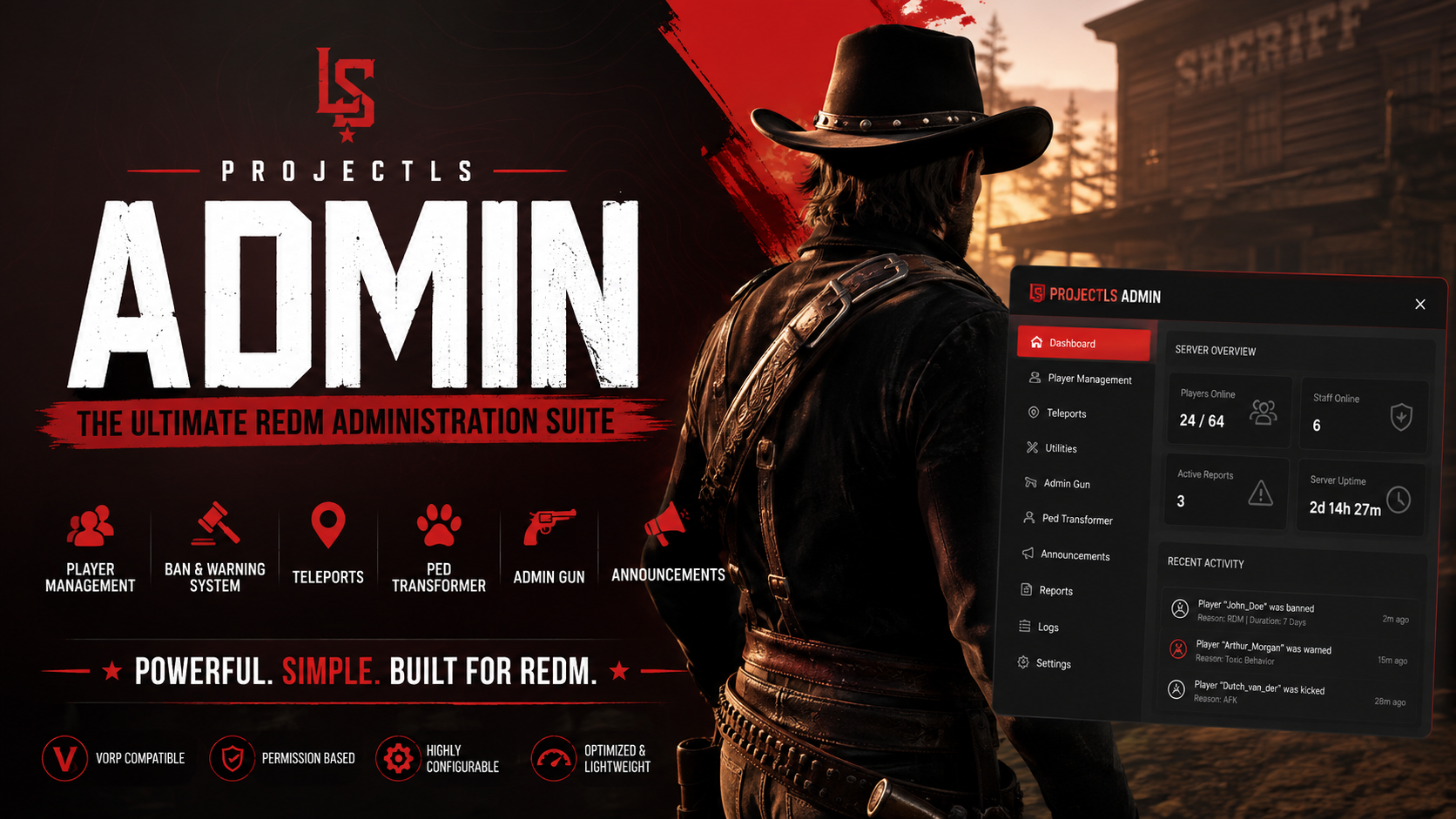
ProjectLS Admin | The Ultimate RedM Administration Suite
Take complete control of your RedM server with ProjectLS Admin—a modern, feature-rich administration system built specifically for serious server owners and staff teams. Designed with speed, ease of use, and performance in mind, ProjectLS Admin provides everything your staff need from one clean interface. (No Need For Discord Admin With Everything Built Into This feature!)
✨ Features
👮 Complete Staff Dashboard
- Modern, responsive administration UI
- Permission-based access
- Easy-to-use staff controls
- Fast player management
👥 Player Management
- Kick players
- Ban players
- Permanent & configurable ban options
- Warning system
- Staff reports
- Staff chat
- Ban history storage
- Warning history storage
🌎 Teleport System
Quickly teleport anywhere using built-in presets including:
- Valentine
- Blackwater
- Saint Denis
- Rhodes
- Strawberry
- Armadillo
- Guarma
🐎 Staff Utilities
- Spawn horses
- Spawn wagons
- External command integration
- Configurable admin commands
- Custom permission support
🔫 Admin Gun
A unique moderation tool allowing administrators to:
- Select ban reason
- Choose ban duration
- Ban the next player hit
- Optional weapon requirement
- Automatic disarm after use
🦅 Ped Transformer
Instantly transform into:
- Wolves
- Bears
- Cougars
- Alligators
- Deer
- Dogs
- Eagles
- Horses
- Lawmen
- Outlaws
- Townsfolk
- Ranchers
Perfect for:
- Staff events
- Roleplay
- Server showcases
- Community fun
📢 Announcement Integration
Supports ProjectLS Announcements allowing administrators to broadcast messages directly through the ProjectLS HUD.
⚙ Highly Configurable
- Permission whitelist
- License identifier support
- VORP group support
- External command hooks
- Custom teleport locations
- Configurable admin access
- Easy configuration
Why Choose ProjectLS Admin?
✔ Lightweight & optimized
✔ Built specifically for RedM
✔ Clean modern interface
✔ Easy installation
✔ Perfect for both small and large communities
✔ Designed with server performance in mind
✔ Regular ProjectLS quality
Framework
- RedM
- VORP Compatible
- Easy to integrate with existing ProjectLS resources
Included
- Complete Admin Dashboard
- Ban System
- Warning System
- Report System
- Staff Chat
- Teleport Menu
- Admin Gun
- Ped Transformer
- Configuration Files
- Installation Ready
Take control of your server with ProjectLS Admin—the complete administration solution built for RedM.
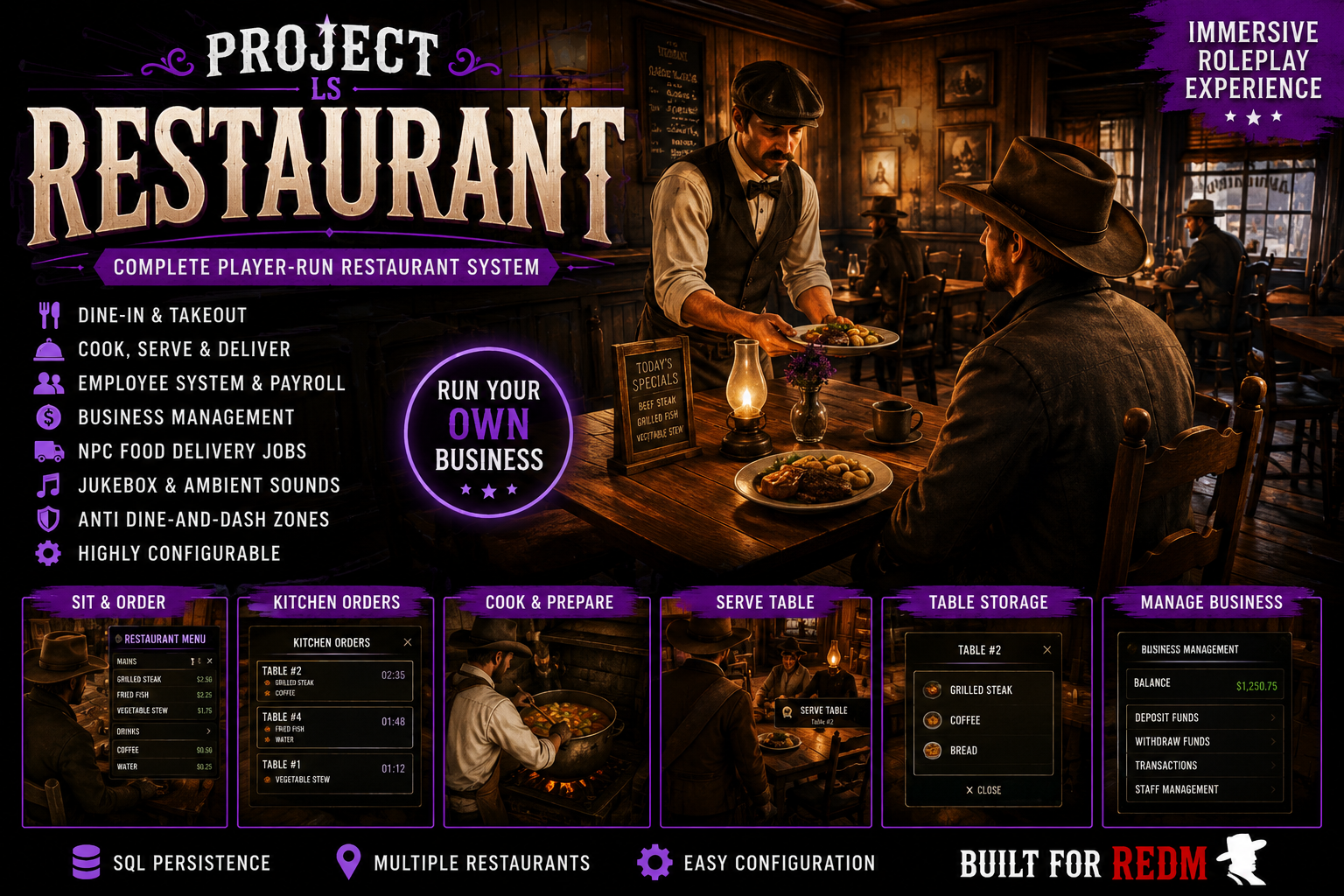
🍽️ *UPDATED* - ProjectLS Restaurant — Immersive RedM Restaurant System
Complete Immersive Restaurant & Business System for RedM
Turn restaurants and saloons into fully functioning player-run businesses with staff management, interactive cooking, dine-in service, takeout, NPC deliveries, events, business finances, wages, storage, fuel management, and much more.
ProjectLS Restaurant is designed around actual roleplay. Customers sit down and order, kitchen staff prepare meals, cooks physically move pots between preparation and the stove, waiters serve tables, managers control employees and finances, and restaurants can take on NPC deliveries and catering-style event orders.
🔥 Interactive Cooking System
Cooking isn't just clicking a recipe and waiting for a progress bar.
Staff physically prepare the order, carry the cooking pot to the stove, heat the stove, cook the food, remove the pot, and store the finished meal.
Cooking is completely timing based:
🔵 Under 10 Seconds — Undercooked
🟠 10–20 Seconds — Perfectly Cooked
🔴 20–30 Seconds — Food Burning
💀 30+ Seconds — Spoiled
There is no automatic cooking completion. The cook decides when the food comes off the stove.
Remove an undercooked meal too early? Put it back on the stove and continue cooking it.
Cook it perfectly? Take it to the kitchen and store the finished food.
Leave it too long? Pick up the spoiled pot and physically take it to the restaurant trash area.
🥘 Prepare While Another Meal Cooks
Busy restaurants shouldn't be limited to preparing one meal at a time.
While one dish is cooking, staff can prepare the next order and place it into the restaurant's Prepared Pot Storage.
When the stove becomes available:
Prepare → Store Prepared Pot → Pick Up → Place on Stove → Cook → Remove → Store Food
This creates an actual kitchen workflow instead of repetitive menu clicking.
🔥 Interactive Stove System
The stove is its own gameplay system.
Staff must:
Add fuel → Turn Stove On → Wait for Stove to Heat → Cook
The stove includes:
- Interactive On/Off controls
- Heating state
- Ready state
- Fuel consumption
- Staff-only fuel HUD
- Live fuel bar while operating
- Fuel storage through the restaurant pantry
- Stove automatically consumes fuel while running
- Visible fire/smoke effects
- Physical cooking pot placement
- Restaurant-specific stove/pot positioning
- Automatic stove handling when kitchen activity finishes
No fuel means no cooking.
🍽️ Full Dine-In Restaurant Experience
Customers can walk into a restaurant and actually dine there.
Players sit at configured restaurant tables and the menu automatically opens while seated.
There is no unnecessary table-menu target clutter.
Once an order is submitted:
Customer Orders → Kitchen Receives Order → Cook Prepares Meal → Waiter Serves Table → Customer Receives Food
When the waiter serves the completed order, the table inventory automatically opens for the customer who ordered — provided they're still seated at their table.
Customers can collect everything before manually closing the table.
🥡 Takeout Orders
Not every customer needs a table.
Players can place takeout orders, which appear directly within the restaurant's live kitchen order system.
Kitchen staff can distinguish dine-in, takeout, event and other order types directly through the restaurant interface.
📋 Live Kitchen Order Management
Staff receive a dedicated Kitchen Orders interface showing active restaurant orders and their current state.
Order states include:
NEW → PREPARING → COOKING → READY
Kitchen staff can manage the entire production process from preparation through completion.
Orders also include a dedicated × CANCEL control, allowing authorized staff to remove unwanted or mistaken orders from the active kitchen queue.
Cancellation cleans up the associated kitchen state instead of leaving abandoned cooking jobs behind.
🔔 Staff Order Notifications
Clocked-in restaurant employees can receive custom sounds when:
- 🔔 A new order is created
- 🍽️ An order becomes ready
Only appropriate clocked-in staff receive the restaurant alerts.
👨🍳 Employee Clock-In System
Restaurant features can be restricted to employees who are actually working.
Clocked-in staff gain access to employee systems including kitchen functionality, event systems, refrigerators and other staff-only interactions.
Clock out and those employee interactions are hidden again.
This allows restaurants to maintain a proper on-duty/off-duty workflow.
👑 Restaurant Management
Owners and authorized managers receive a dedicated management interface.
Manage:
- Employees
- Hiring
- Firing
- Staff roles
- Employee ranks
- Hourly wages
- Business finances
- Deposits
- Withdrawals
Nearby players can be hired directly into the business.
💰 Business Funds
Restaurant income doesn't simply disappear into a player's pocket.
Sales feed into the restaurant's Business Funds, creating an actual business economy.
Management can oversee company money, deposit additional funds, withdraw money and configure employee wages.
This makes running a successful restaurant financially meaningful.
💵 Employee Wages
Employees aren't just roleplaying a job — they can be paid for working.
Restaurant management can configure hourly wages, tying staffing into the restaurant's business economy.
Combined with clock-in tracking, businesses can operate much more like actual player-owned establishments.
🧺 Restaurant Storage
Multiple storage systems help separate different restaurant operations.
Including:
- Ingredient/Pantry Storage
- Prepared Pot Storage
- Cooked Food Storage
- Event Refrigerator
- Coal/Fuel Storage
- Table Food Storage
- Takeout/Pickup Storage
This creates a real kitchen supply chain rather than using one giant shared inventory.
🎉 Event Food System
Restaurants can accept and prepare larger event food orders separately from standard customer meals.
Event orders integrate into the kitchen workflow while dedicated event refrigeration keeps event inventory separated from normal restaurant stock.
Perfect for:
Weddings • Parties • Town Events • Government Events • Gang Events • Community Gatherings
🐎 NPC Delivery Missions
Restaurants can also generate NPC delivery jobs.
Staff prepare delivery orders before taking them to NPC customers located around the world.
Features include:
- NPC delivery customers
- Visible destination NPCs
- GPS/waypoint navigation
- Randomized delivery gameplay
- Dedicated delivery workflow
- Restaurant employee interaction
NPC delivery cooking uses virtual/invisible ingredients, meaning delivery missions don't drain the restaurant's actual player-meal ingredient inventory.
Normal player orders and event meals still consume real ingredients.
🪑 Interactive Restaurant Seating
Restaurant tables can contain individually configured seats using target interaction.
Targets are intentionally short-range so restaurants aren't covered with interaction markers from across the room.
Players need to actually approach the chair they want to use.
🎵 Restaurant Jukebox
Give every restaurant its own atmosphere with an integrated jukebox/gramophone system.
Players can play supported music links while controlling their own listening volume.
Audio originates from the configured restaurant jukebox location for a much more natural environment.
🧾 Receipts & Customer Payments
The restaurant system supports a proper ordering and payment workflow rather than instantly exchanging money through a menu.
Orders can generate restaurant receipts, tables remain associated with their active dining session, and payment completes the restaurant transaction.
Tips can also be incorporated into the customer service experience.
🗑️ Spoiled Food & Kitchen Cleanup
Burning food actually has consequences.
Once food passes its cooking limit, it becomes spoiled.
Instead of magically disappearing, the cook must:
Pick Up Spoiled Pot → Carry It → Take It to Trash → Dispose of Food
The system also includes cooking-prop cleanup protection to prevent abandoned cooking pots and loose props accumulating around the kitchen.
🏪 Multi-Restaurant Ready
The system is designed around configurable restaurant locations rather than one hard-coded business.
Each restaurant can have its own:
Company • Cashier • Kitchen • Stove • Cooking Pot • Pot Placement • Prepared Storage • Pantry • Pickup • Clock-In • Management • Jukebox • Trash • Tables • Seating
Restaurant-specific pot/stove offsets allow differently designed kitchens to position cooking equipment correctly.
⚙️ Built for Immersive RedM Roleplay
ProjectLS Restaurant combines:
Customer RP + Cooking RP + Waiter RP + Management RP + Business Economy + Delivery RP + Event Catering
into one interconnected resource.
Rather than standing at a marker and pressing a button to receive food, every part of the restaurant has a purpose.
⭐ Feature Highlights
- 🍽️ Dine-In Ordering
- 🥡 Takeout Orders
- 🪑 Interactive Seating
- 📖 Automatic Seated Menus
- 👨🍳 Physical Cooking Workflow
- 🥘 Carryable Cooking Pots
- ⏱️ Skill/Timing-Based Cooking
- 🔵 Undercooked Food
- 🟠 Perfectly Cooked Food
- 🔴 Burning Food
- 💀 Spoiled Food
- 🔥 Interactive Stove
- 🌡️ Stove Heating System
- ⛽ Stove Fuel System & HUD
- 🪨 Dedicated Fuel/Coal Storage
- 🔥 Fire & Smoke Effects
- 🥘 Prepared Pot Storage
- 🍲 Cooked Food Storage
- 🗑️ Physical Spoiled-Food Disposal
- 📋 Live Kitchen Orders
- ❌ Staff Order Cancellation
- 🔔 Staff-Only Order Sounds
- 🍽️ Waiter Table Service
- 📦 Table Order Storage
- 🎉 Event Catering Orders
- ❄️ Event Refrigerator
- 🐎 NPC Delivery Missions
- 🗺️ Delivery GPS/Waypoints
- 👤 Delivery NPCs
- ♾️ Virtual Ingredients for NPC Deliveries
- 🥕 Real Ingredients for Player/Event Meals
- 🧺 Pantry & Ingredient Storage
- ⏰ Employee Clock-In/Out
- 👥 Employee Management
- 👑 Owner/Manager Controls
- 💵 Configurable Hourly Wages
- 💰 Business Funds
- 💳 Deposits & Withdrawals
- 🎵 Restaurant Jukebox
- 🔊 Individual Music Volume
- 🧾 Restaurant Receipts
- 💵 Tips
- 🏪 Multi-Restaurant Support
- 🎯 Target-Based Interactions
- 💜 Custom ProjectLS UI
ProjectLS Restaurant
Don't just sell food. Run the restaurant.
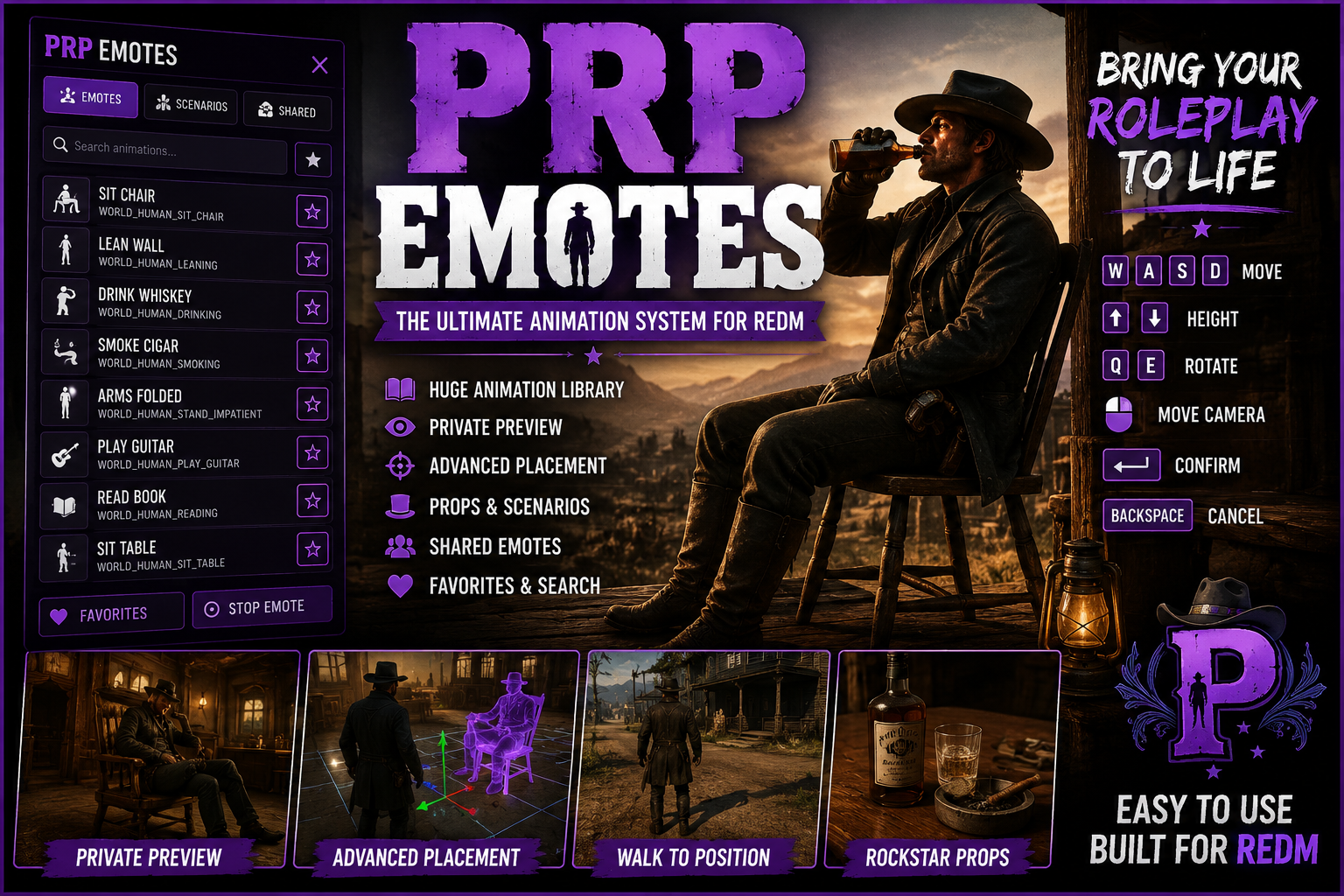
💜 ProjectLS - (PRP Emotes) — Advanced RedM Emote & Animation System
Bring your RedM roleplay to life with PRP Emotes, a feature-packed animation system designed for immersive RP, easy animation discovery, accurate placement, and seamless interaction with the world.
With a huge library of Rockstar animations, emotes and scenarios, players can preview animations privately, position them exactly where they want, use their intended props, and create far more natural scenes throughout your server.
✨ Key Features
🎭 Huge Emote & Animation Library
Access a large collection of emotes, animations and scenarios through one clean, easy-to-use interface.
👁️ Private Live Animation Preview
Simply hover over an animation in the menu to preview it instantly on your own character.
The preview is local to you, meaning other players won't see you performing animations while you're browsing.
🎥 Interactive Preview Camera
Animations can be inspected before use with a dedicated preview camera, making it much easier to find exactly what you're looking for.
🧭 Advanced Emote Placement System
Want to sit perfectly on a chair? Lean against a specific wall? Lay on a bed? Stand on a balcony? Position an animation exactly where the scene requires it.
Select Place and use the placement system to position your animation before committing to it.
Placement Controls
W / A / S / D — Move placement
Up / Down — Adjust height
Q / E — Rotate character
Mouse — Camera control
Enter — Confirm placement
Backspace — Cancel
The character maintains the rotation you choose while repositioning, allowing for precise alignment with furniture, props and the environment.
🚶 Intelligent Walk-to-Placement
Once a placement is confirmed, your real character doesn't simply teleport into position.
The system intelligently navigates toward the selected location, allowing the ped to find sensible routes around the environment — including navigating toward stairs when the selected animation is on another level.
Once close enough, the player transitions into the exact position and rotation you selected and begins the chosen animation.
🪑 Furniture & Scenario Support
Designed for animations involving:
- Chairs and benches
- Tables
- Beds
- Counters
- Walls
- Floors
- Elevated surfaces
- Environmental props
Placement allows these animations to be lined up far more accurately than traditional /e systems.
🎒 ** Prop Support**
Animations that are designed to use props can use their intended props.
Props are automatically managed by the system and cleaned up when the animation ends, helping prevent abandoned objects from accumulating around the server.
🔎 Instant Search
Quickly search through the animation library instead of scrolling endlessly through hundreds of entries.
❤️ Favorites
Players can favorite commonly used animations for fast access during RP.
🤝 Shared Emotes
A dedicated Shared Emotes section provides the foundation for synchronized player interactions.
Send another player an invitation and allow both players to participate in synchronized animations together — perfect for more involved character interactions and RP scenes.
🛑 Multiple Ways to Stop
Players aren't trapped inside animations.
Cancel using:
/e c
/e cancel
Backspace
or the dedicated (DOUBLE TAP X) Stop Emote Function.
The system handles animation, task and prop cleanup when cancelling.
🎮 Built for Immersive Roleplay
PRP Emotes isn't just another /e animation menu.
The placement and preview systems are designed around letting players actually build a scene before committing to it.
Preview an animation privately → position it in the world → adjust its height and rotation → confirm → watch your character naturally move into position → begin the animation.
This makes everything from sitting around a saloon to cinematic screenshots and large RP scenes significantly easier to set up.
💜 UI Features
The interface includes a clean Purple RP / ProjectLS-style design with:
- Categorized animations
- Search
- Favorites
- Shared Emotes
- Private hover previews
- Placement controls
- Stop Emote controls
- Easy animation browsing
⚙️ Optimized for RedM
Built specifically around RedM / RDR2 animation behavior, scenarios, props and native ped behavior.
The system is designed to keep preview activity local until an animation is actually committed, preventing unnecessary animation spam for nearby players.
💜 PRP Emotes
Preview it. Position it. Play it.
A complete animation system built for servers that want players to do more than simply type /e sit.
Perfect for serious roleplay servers, cinematic RP, screenshots, social interactions, saloons, businesses, housing, events and everyday character immersion.